Tracking Sales
Tracking sales
You can map the sales data by creating a default customer. All the sales figures will be displayed under this Customer Name (as set up in the QuickBooks Online module).
- Go to the Configurations tab.
- Create a Default QB Customer where you want to see the end-of-the-day sales data. For example, we are mapping the data under the My Sales customer.
- Now the orders taken from the POS will start appearing in the Quickbooks.
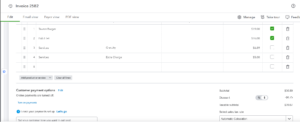
- You can check the Sales data in QuickBooks Online under Sales > All Sales.
- You can click View/Edit next to the transaction to view the sales receipt.