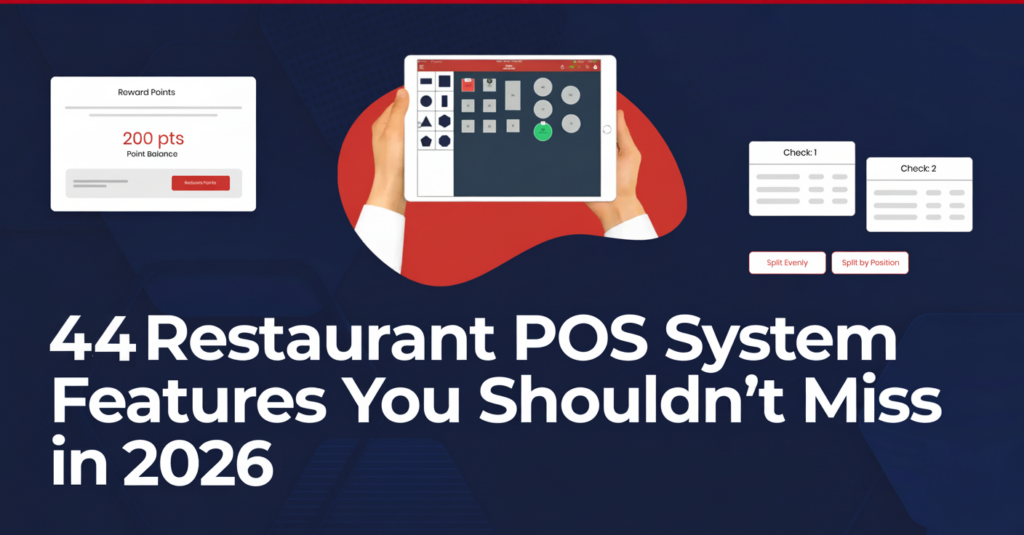
Supermarket POS Software – A Complete Guide for Retail Success

Table of Content
- How Does Supermarket POS Software Work?
- Most Popular Features of Supermarket POS Software
- Top Benefits of POS Systems for Supermarket Success
- How to Choose the Best Supermarket POS Software?
- Best Options for Supermarket POS Software
- How Much Does Quantic POS Retail Cost?
- Conclusion
- Frequently Asked Questions
Supermarket stores are very difficult to manage and streamline daily tasks, which involve overseeing thousands of products across all categories and ensuring seamless checkouts.
To manage all pain points of Supermarket stores, Quantic Supermarket POS plays a crucial role in managing products, tracking inventory in real time, expediting transactions, gain valuable customer insights.
Using the right POS helps you to make data-driven decisions that enhance customer experience, maximize profits, and streamline daily tasks.
The global supermarket POS systems market is expanding fast, estimated at USD 11 billion in 2024 to an expected USD 25.3 billion by 2033 with a strong CAGR of 9.2%, indicating how important these POS systems are becoming for retailers worldwide.
In this blog, we will discuss supermarket POS, its essential features, and how Quantic POS has become the best choice for supermarket stores.
How Does Supermarket POS Software Work?
Every part of your retail business is connected by supermarket POS software, which streamlines and improves management.
Here’s an explanation of how it operates:
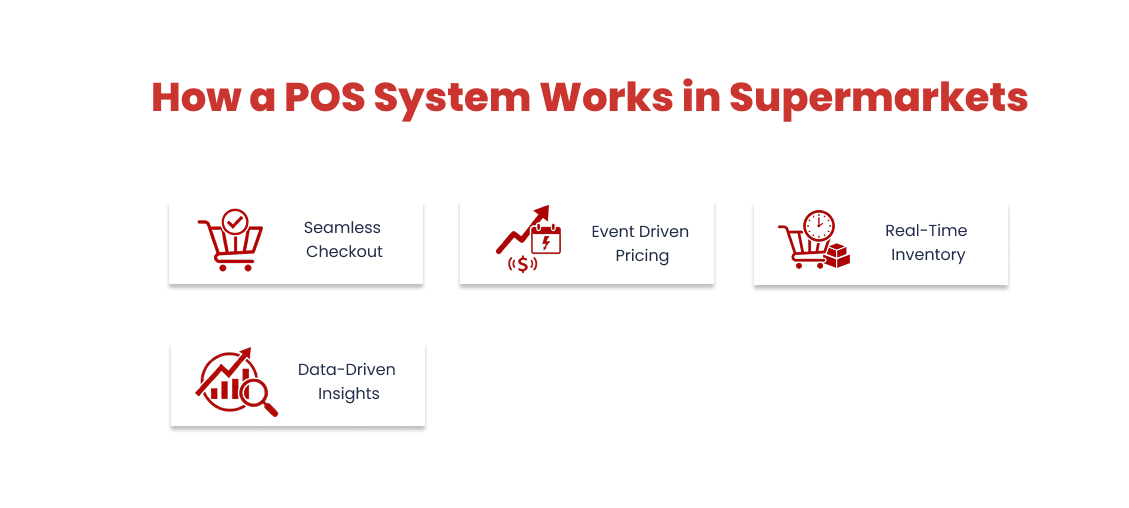
1. Seamless Checkout Experience:
Staff can use a barcode scanner to scan products at the checkout.
It helps in identifying every product using the system, determining its prices, and showing it on the screen.
These seamless checkouts, fast transactions, and short waiting times help improve customer experience in supermarket stores.
Now the employee is free to focus on providing customer service rather than managing checkout complications.
2. Event Driven Pricing, Discounts, and Promotions:
Quantic POS is highly capable of more than just tallying totals.
They add discounts, loyalty points, promotions, reduce errors, and enhance customer experience.
74% shopper loves receiving discounts as loyalty rewards, which highlights the importance of promotions and rewards integration into the checkout experience.
3. Real-Time Inventory Management:
Our POS provides real-time inventory tracking and management that automatically updates stock levels during sales.
The businesses can track inventory quantities, manage stock from the backend, and help to maintain correct inventory records, ensuring items remain available for customers.
4. Data-Driven Insights and Reporting:
Our supermarket POS creates detailed reports on sales, transactions, and employee performance.
Businesses can utilize these data-driven insights to plan promotions and check best-selling items to make the right profitable decisions.
Most Popular Features of Supermarket POS Software
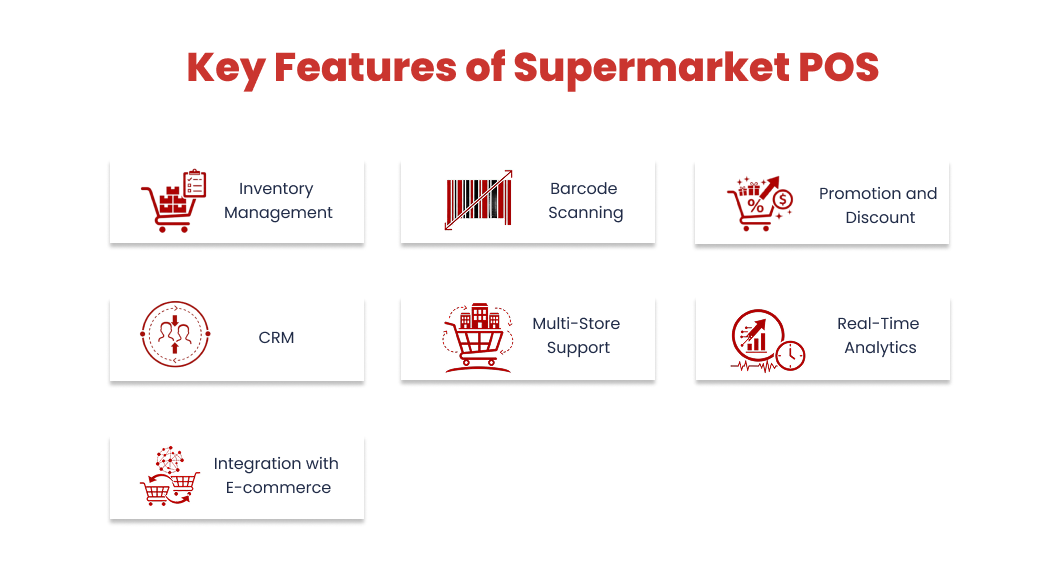
Supermarket POS software is equipped with features designed to improve customer satisfaction, boost sales, and streamline operations.
1. Inventory Management
- Allows real-time monitoring of stock levels to avoid overselling.
- To ensure timely restocking, set up the reorder point.
- Track product status and stock quantities from the portal.
2. Barcode Scanning and Label Printing
- Allows quick scanning of items during checkout, adding products to the cart, and automatically displays prices.
- Minimize human error and expedite transactions.
- Allow printing product labels from the POS directly to keep the catalog streamlined.
3. Promotion and Discount Management
- Allows you to create and monitor discounts and coupons.
- Apply promotions automatically during checkout.
- Allows tracking of customer engagement and promotion performance.
4. Customer Relationship Management (CRM)
- Allows tracking of purchase history and building customer profiles.
- Helps to build long-term customer relationships.
- Helps to launch loyalty programs to reward repeat customers.
5. Multi-Store Support
- With a single POS, you can manage multiple stores.
- With a centralized dashboard, you can monitor stock levels and inventory from any location.
- Helps to manage customer data and operations across all locations.
6. Real-Time Analytics and Reporting
- Helps to track best-selling items using reporting tools.
- Can access transaction data, sales summaries, and revenue reports from POS.
- Allows for viewing hourly and daily sales reports to make informed business decisions.
7. Integration with E-commerce Platforms
- Allows integration to manage business operations across sales channels.
- Integration with e-commerce ensures online ordering and digital sales.
- Manage inventory, product, and customer data using POS.
- 59% of POS vendors integrate their systems with e-commerce, warehouse, and CRM to support omnichannel retail operations.
Top Benefits of POS Systems for Supermarket Success
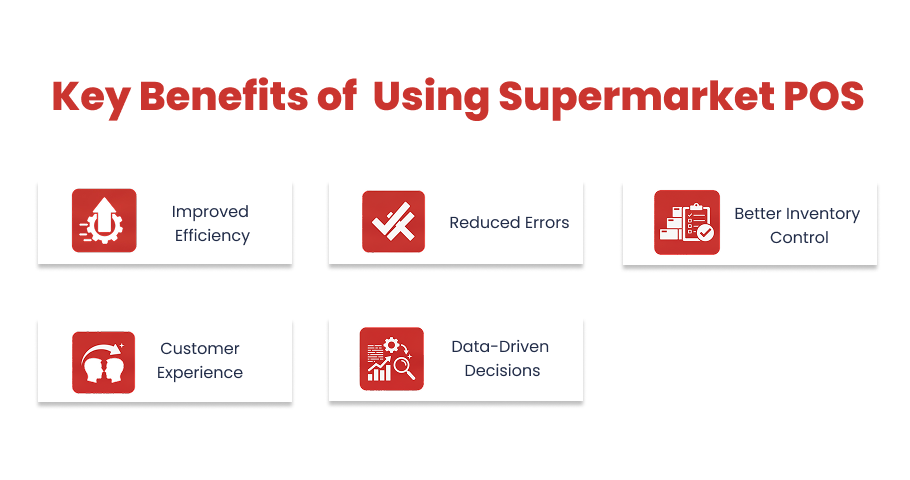
Installing a POS system in a supermarket streamlines operations, reduces errors, improves customer satisfaction, and provides valuable insights for better business decisions.
1. Improved Efficiency
- Inventory tracking, reporting, and barcode scanning for all important retail processes.
- Identify products and perform fast checkout with the help of barcode scanning.
- Businesses to analyze sales trends and optimize store operations.
- By implementing barcode scanning, 65% to 95% increase in inventory accuracy.
2. Reduced Errors
- Allows correct product pricing and identification using a barcode scanner, reducing errors.
- Keeps stock level accurate with real-time inventory tracking across the store.
- Reduce manual pricing mistakes by implementing automated promotions and discounts.
- According to studies, barcode scanning reduces error rates by 1 in 3 million scans.
3. Better Inventory Control
- Monitor stock levels in real time with the inventory tracking feature.
- 80% of retailers use barcode scanning as their primary method for inventory tracking.
- With inventory monitoring, avoid overstocking and stockouts.
- Sends low stock alerts that help to know when items need to be reordered.
4. Enhanced Customer Experience
- Reduce customer wait times with fast checkout and accurate billing.
- Increase customer engagement by implementing promotions, loyalty programs, offers, and rewards.
- Encourages repeat visits, enhances customer experience, and builds long-term relationships.
- According to the study, long checkout wait times lead to 77% of customers to avoid repeat visits to the store.
5. Data-Driven Decisions
- Allows tracking useful data – products and sales performance, best-selling products.
- Encourages building upselling and cross-selling strategies.
- Helps make data-driven decisions regarding staffing, stocking, and promotions.
- According to McKinsey & Company, businesses that make data-driven decisions acquire 23 times more customers.
How to Choose the Best Supermarket POS Software?
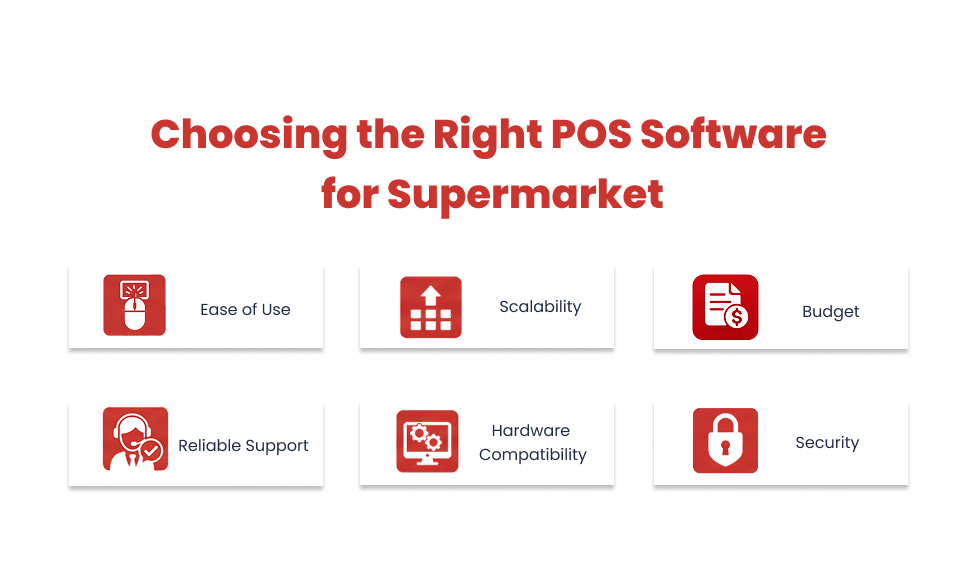
Choosing the right supermarket POS is an important decision to make for any business.
The ideal software should manage daily operations as well as improve customer experiences, support growth, and more.
Below are the best ways to choose the right supermarket POS
1. Ease of Use
A complex POS system will slow down your staff’s performance and increase the chances of errors.
When looking for the right POS, you should check for a clear workflow, an intuitive dashboard, and easy-to-use reporting tools.
After implementing these features, you will be able to give quick staff training, seamless operations, and error-free checkouts.
2. Scalability
When you have a scalable POS, then your POS grows with your supermarket store.
You should look for support for multiple locations, checkout counters, and online sales integration.
This will benefit you in expanding your business to multiple locations without investing more money and time.
3. Budget
The POS cost can go beyond initial purchases, so you should look for subscriptions, one-time purchases, software updates, maintenance costs, hardware requirements, and more in the initial phase of your supermarket.
This will avoid surprise fees and align with your financial plan.
4. Reliable Support
The downtime may impact operations and frustrate both customers and staff.
To avoid this in the future, you should check the installation assistance, quick troubleshooting, and ongoing tech support.
This will help you to know that your POS will keep your business running seamlessly.
5. Hardware Compatibility
When you use incompatible hardware, it can cause extra costs and delays.
You should check the barcode scanners, printers, cash drawers, and more.
Choosing the right equipment results in smooth daily operations without any hardware replacements.
6. Security
Protecting the customer and payment information builds trust among customers.
You can look for PCI-compliant payment processing, secured data storage, and role-based access control to prevent fraud.
It will reduce the risk of fraud and build customer confidence.
Best Options for Supermarket POS Software
The profitability, customer experience, and efficiency of your supermarket can all be impacted by choosing POS.
The following are a few of the best choices:
1. Quantic POS
Key Features: It has various key features like real-time inventory management, CRM, multiple store management, scale integration, and more.
Why It Stands Out:
It is mainly available for all types of businesses, like small, medium, and large supermarkets.
It has the capability to integrate with online sales channels and inventory syncing across all locations, resulting in seamless business operations and customer satisfaction.
According to retail tech reports, the real-time inventory tracking reduces stockouts by 37% and increases customer satisfaction by 24%.
2. Square for Retail
Key Features: It has a variety of features, including subscription plans, inventory tools, and flexible UI.
Why It Stands Out: It focuses mainly on small supermarket stores that need reasonably priced POS. It has a user-friendly design that helps businesses learn and start processing sales quickly.
3. Lightspeed Retail
Key Features: The POS has various features, which includes e-commerce integration, multi-store management, and reporting.
Why It Stands Out: It targets supermarket stores that are looking for analytics and inventory control. Lightspeed Retail will be the best fit for it.
The reporting capabilities help businesses to make data-driven decisions regarding pricing, inventory, and promotions.
4. Shopify POS
Key Features: It has a variety of seamless features like POS integration, Shopify ecommerce integration, inventory, and sales management.
Why It Stands Out: It targets supermarket stores that integrate online and in-store sales. Connecting the online and in-store makes inventory management easier, delivering a seamless omnichannel experience.
How Much Does Quantic POS Retail Cost?
Quantic POS offers personalized pricing for the requirements of the supermarket store.
Various important factors determine the cost of the supermarket POS:
Registers and Stores
Pricing depends on the number of registers, checkout counters, and stores you have in your supermarket.
Required Features
Pricing depends on the number of features you require for your supermarket store, like inventory, CRM, promotions, and e-commerce integration, etc.
Hardware Requirements
Pricing will depend on the hardware requirements, such as barcode scanners, receipt printers, and more.
The best way to determine price is to request a quote from Quantic POS for your operational needs.
Conclusion
Supermarket POS is the core of successful store operations, managing fast checkouts and inventory management to build customized loyalty and promotions.
For this, Quantic POS will be the right choice for your supermarket store, where you can integrate sales, inventory, multiple stores, customer management, and more with a single platform.
With this all-in-one solution, you can meet your store’s needs to improve productivity, growth, and long-term success.